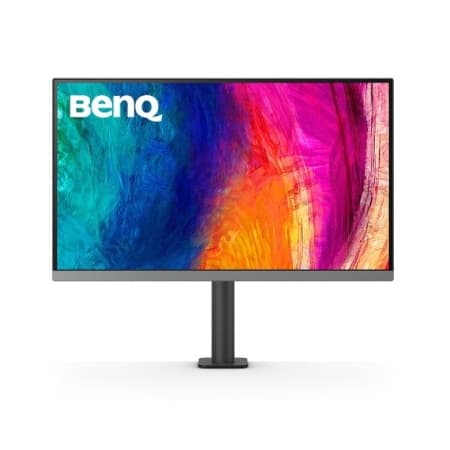
BenQ
PD2706U DesignVue
$255from
76Good time
0%
Explore. Compare. Choose.
Get a closer look at prices and specs. Pick up to three products to compare side by side.
Open comparison8 productsSelect products to compare
Choose up to 3
Checking current offers
Score under review
Checking current offers
Score under review
Checking current offers
Score under review
Checking current offers
Score under review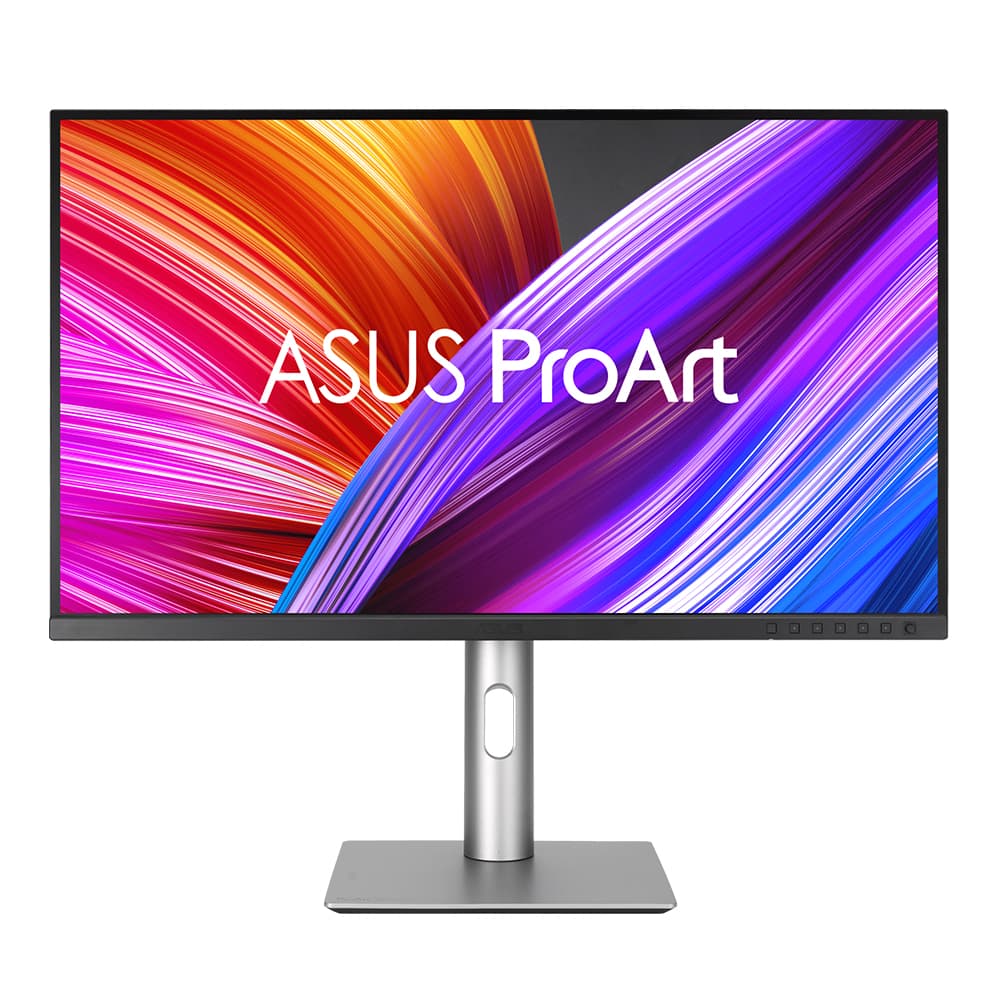
Checking current offers
Score under reviewChecking current offers
Score under reviewIf no offer was checked within the last 72 hours, we leave the price blank. Scores appear only when enough price history is available. Check the final price and shipping at the retailer.
Data statusChoosing a monitor in 2026 comes down to matching the panel to how you actually spend your hours at the desk. A color-critical photographer or video editor wants a factory-calibrated IPS or OLED with wide gamut coverage and predictable Delta-E, while a competitive gamer cares far more about refresh rate, response time, and low input lag than about absolute color accuracy. Office and coding users sit somewhere in the middle: they benefit most from generous screen real estate, comfortable text rendering, and a stand that adjusts to good ergonomics. Before fixating on a brand, decide which two or three of those traits are non-negotiable for you, because almost every panel is a compromise that trades one strength for another.